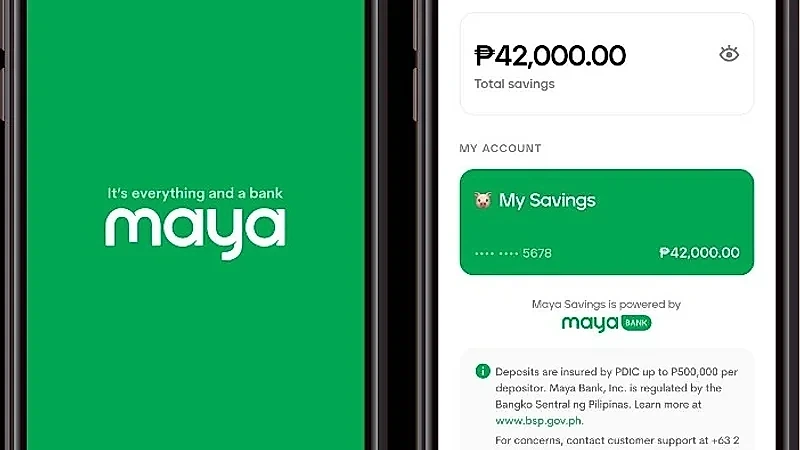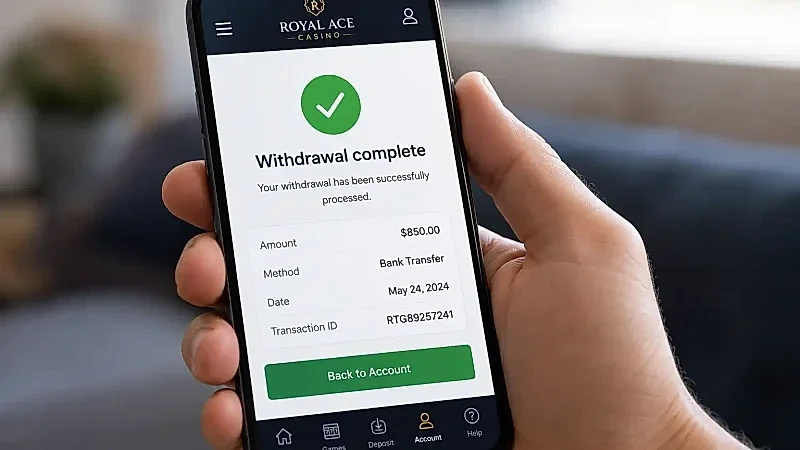
While GCash remains the most widespread digital wallet in the Philippines, Maya (formerly PayMaya) has established itself as the preferred payment platform for serious online casino players and high-volume participants. Backed by its own digital banking license issued by the Bangko Sentral ng Pilipinas, Maya offers enterprise-grade financial security, higher single-transaction deposit thresholds, built-in virtual Visa and Mastercard debit cards, dynamic QR Ph interoperability, and rapid cashout processing. For Filipino players seeking a robust, reliable, and high-limit alternative to conventional e-wallets, Maya provides an exceptional financial conduit for digital gaming. This dedicated operational guide covers how to set up and verify your Maya account, navigate deposits and withdrawals, leverage Maya virtual cards, and manage high-volume transactions under PAGCOR regulatory standards.
Why Savvy Players Choose Maya for Casino Transactions
Maya delivers distinct technical and operational advantages over traditional payment channels:
| Feature / Benefit | Maya Digital Banking | Standard Mobile E-Wallets | Strategic Player Advantage |
|---|---|---|---|
| Digital Bank Integration | Fully licensed digital bank (Maya Bank, Inc.) | Commercial e-money issuer | Advanced interest-bearing savings and enterprise security |
| Transaction Limits | Up to 100,000 PHP per transaction / 1,000,000 PHP monthly | Typically capped at 50,000 PHP per transaction | Accommodates regular players and high-rollers without monthly blocks |
| Virtual Card Issuance | Free instant virtual Visa/Mastercard | Often requires separate card ordering | Deposit via direct card gateway even if QR channels undergo maintenance |
| Cashout Settlement Speed | 5 to 15 minutes direct API disbursement | 5 to 15 minutes | Equal speed with superior stability during high-traffic peak hours |
| Regulatory Supervision | Supervised directly by Bangko Sentral ng Pilipinas | Supervised by BSP | Highest level of national banking consumer protection |
Upgrading and Verifying Your Maya Account for Full Capacity
To unlock high-limit transactions and ensure smooth casino cashouts, upgrading your Maya account to "Fully Verified" status is essential:
- Download the Official App: Install the official Maya app from the Google Play Store or Apple App Store.
- Register Your Mobile Number: Input your active Philippine mobile number (Smart, Globe, or DITO) and create a secure password.
- Submit Government Identification: Tap "Upgrade Account". Capture a clear photo of one primary government-issued ID (Philippine Passport, UMID, Driver's License, PhilSys National ID, or SSS ID).
- Facial Biometric Scan: Complete the automated 10-second facial recognition scan within the app.
- Verification Approval: Maya automated verification engines typically approve account upgrades within 15 to 30 minutes, elevating your monthly transaction ceiling up to 100,000 PHP or higher.
How to Deposit Using Maya: Three Convenient Methods
The platform provides three seamless avenues to fund your casino balance using Maya:
Direct Maya App Gateway / Redirect
Open the casino Cashier, select "Deposit", and choose the Maya logo. Input your desired deposit amount (e.g., 500 PHP) and click "Submit". The browser redirects to the secure Maya checkout portal. Log in with your mobile number, verify the SMS OTP, and confirm payment. Funds reflect in your casino balance instantly.
Interoperable QR Ph Scan
Generate a dynamic deposit request in the cashier and select QR Ph. Open your Maya app, tap the "Scan to Pay" camera button at the bottom navigation bar, and scan the QR code displayed on your screen. Confirm the transaction amount; your casino account updates in under 10 seconds.
Virtual Visa / Mastercard Debit Card
In your Maya app dashboard, tap "Cards" to view your free 16-digit virtual Visa or Mastercard details (including expiration date and 3-digit CVV). In the casino cashier, select "Credit/Debit Card", input your virtual card numbers, and authenticate the transaction via Maya in-app notification. This method is particularly useful if e-wallet QR networks are undergoing routine maintenance.
Step-by-Step Walkthrough: Withdrawing Casino Winnings to Maya
Cashing out your profits to your Maya wallet is straightforward and fast:
- Verify Withdrawable Status: Confirm that your 1x deposit turnover or promotional wagering requirement is 100% fulfilled in the Member Center.
- Bind Your Maya Account: In your Member Profile under "Payment Management", link your registered Maya phone number. The legal name on your Maya profile must be identical to the registered name on your casino account.
- Submit Withdrawal Request: Open the Cashier, click "Withdraw", choose Maya, input your cashout amount (minimum 100 PHP), and click "Confirm".
- Disbursement and Notification: The automated cashier validates the request and disburses the funds via direct API. You will receive an immediate SMS alert and app notification from Maya confirming the incoming deposit within 5 to 15 minutes.
Maya Savings and High-Yield Bankroll Management
A unique advantage of using Maya for online casino banking is the seamless integration of Maya Savings:
- Isolate Your Profits: When you execute a successful cashout, immediately transfer your profits from your primary Maya Wallet into your high-yield Maya Savings account.
- Earn High Interest: Maya Savings accounts offer competitive annual interest rates (ranging from 3.5% up to 10% p.a. through qualifying spend promotions).
- Psychological Boundary: Moving your winnings into a separate savings vault creates a friction barrier that prevents you from impulsively depositing the money back into the casino, reinforcing responsible gaming discipline.
Maya Virtual Card vs E-Wallet QR: Which is Faster?
Maya provides users with both direct e-wallet payment rails and virtual Mastercard/Visa debit credentials. Understanding when to use each channel optimizes your casino banking:
| Feature Dimension | Direct Maya App Checkout / QR Ph | Maya Virtual Debit Card (Visa/Mastercard) |
|---|---|---|
| Checkout Speed | 15 to 30 seconds via in-app biometric authorization | 30 to 45 seconds entering 16-digit card number and CVV |
| Single Transaction Cap | Up to 100,000 PHP per transaction | Up to 50,000 PHP to 100,000 PHP depending on card limits |
| Network Redundancy | Operates via Maya merchant API | Operates via global Visa/Mastercard payment networks |
| Ideal Use Case | Daily instant deposits and primary cashout destination | Backup deposit rail if local QR networks experience temporary maintenance |
Maya Security Architecture: Biometric and Multi-Factor Protection
As a full digital bank regulated by the Bangko Sentral ng Pilipinas, Maya enforces institutional cybersecurity safeguards:
- Dynamic In-App Approval: Large cash-in orders require biometric approval (Face ID or Fingerprint) directly inside the native Maya app, rendering unauthorized access impossible even if your mobile number is cloned.
- Real-Time Fraud Monitoring: Automated machine-learning models detect anomalous transaction spikes, instantly blocking suspicious unauthorized withdrawals.
- Tokenized Merchant Credentials: Your sensitive banking data is never exposed to casino servers, complying with international Payment Card Industry Data Security Standards (PCI-DSS).
Managing Maya Transaction Caps and Tier Upgrades
Understanding how Maya categorizes account tiers ensures you never encounter unexpected transfer caps when cashing out significant gaming profits:
| Maya Account Tier | Monthly Outgoing Limit | Monthly Incoming Limit | Recommended Player Profile |
|---|---|---|---|
| Basic Maya (Unverified) | 10,000 PHP | 10,000 PHP | Casual testing only; not recommended for real-money casino gaming |
| Upgraded Maya (Fully Verified) | 100,000 PHP | 100,000 PHP | Standard recreational players and daily slot enthusiasts |
| Maya Level-Up (Bank Linked) | Up to 500,000 PHP | Up to 500,000 PHP | Regular high-frequency table and slot players |
| Maya VIP / Business | Up to 1,000,000 PHP | Up to 1,000,000 PHP | High-roller VIPs managing large-scale gaming balances |
Upgrading your tier is simple and takes only a few minutes through the in-app document upload interface.
Maya In-App Customer Support and Resolution Channels
In the rare event of an inter-network transaction query, Maya provides 24/7 in-app live chat and direct phone support via `*788` (toll-free for Smart and TNT subscribers), ensuring rapid assistance supervised under Bangko Sentral ng Pilipinas standards.
Responsible Banking and Player Safety
The speed and elevated transaction limits of Maya make it a powerful financial tool, which also means that maintaining personal discipline is essential. Always set strict session budgets and never deposit funds required for family obligations or savings. If you need assistance establishing healthy gaming boundaries, reach out to supportive care organizations such as BeGambleAware, GamCare, or Gamblers Anonymous.